TikTok slideshows that tell one story, made from your site.
Feedrick makes TikTok slideshows with AI: it writes five-slide carousels from your website, each telling one story or teaching one thing, and designs every slide. Keep the ones you like and they post to TikTok and Instagram on their own.
Free to start Paid plans from $29 a month
- You give it
- Your website or App Store link
- It makes
- AI UGC videos, memes, carousels, silent stories and reaction + demo videos, each starring an AI influencer
- It posts to
- TikTok, Instagram, YouTube, Facebook, LinkedIn, X and Threads
- It costs
- Free to start, then from $29 a month
The contact sheet
Six apps, six slideshows, thirty slides.
Every carousel Feedrick made for our sample apps, frame by frame. Each one is written from the app's own website.
- 1
 2
2 3
3 4
4 5
5
 1
1 2
2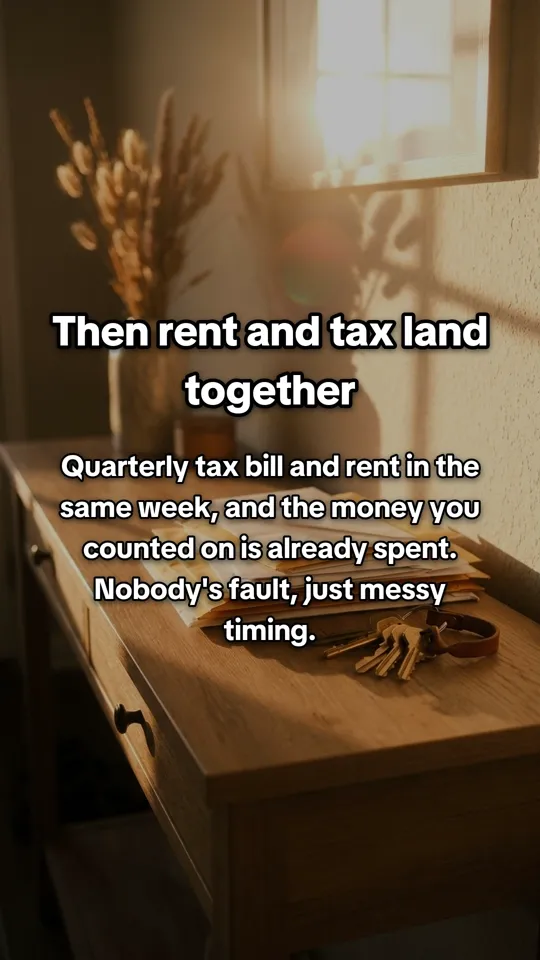 3
3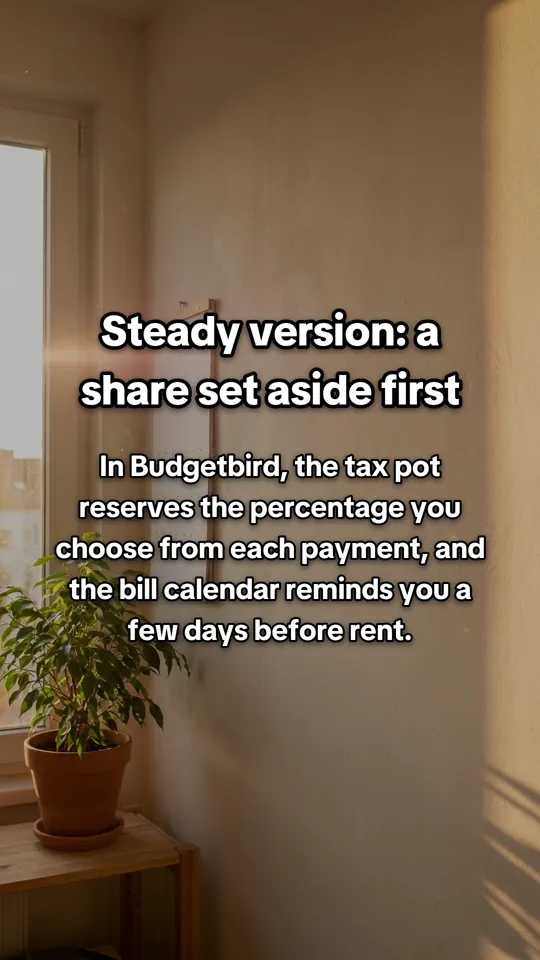 4
4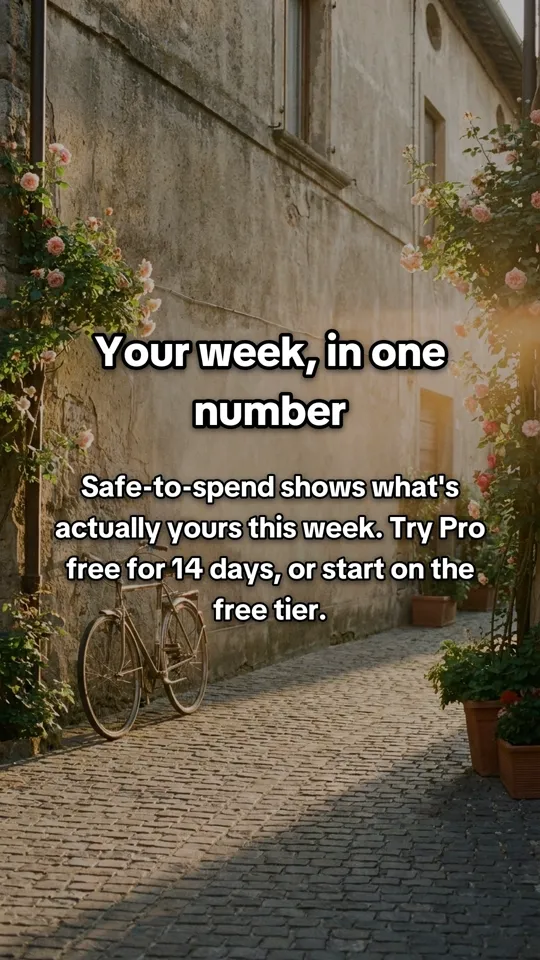 5
5
 1
1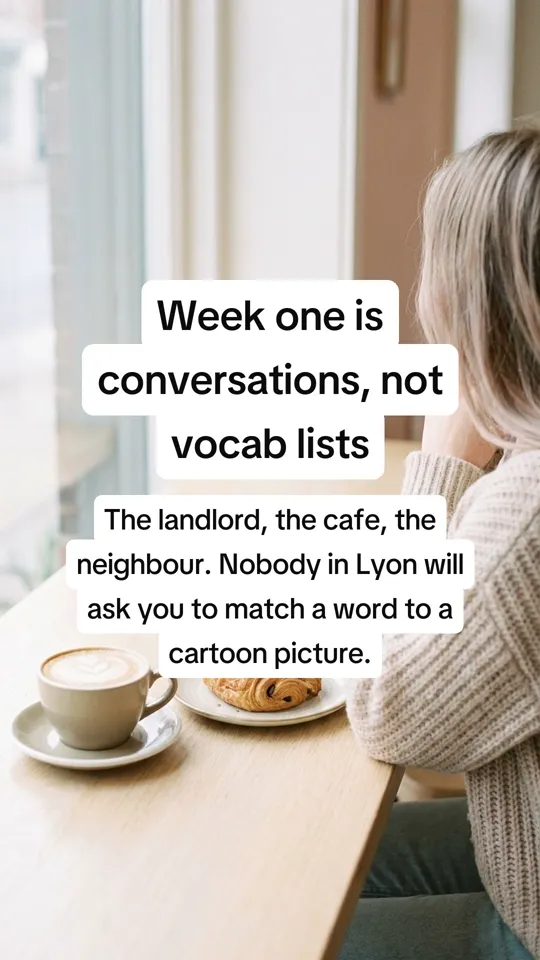 2
2 3
3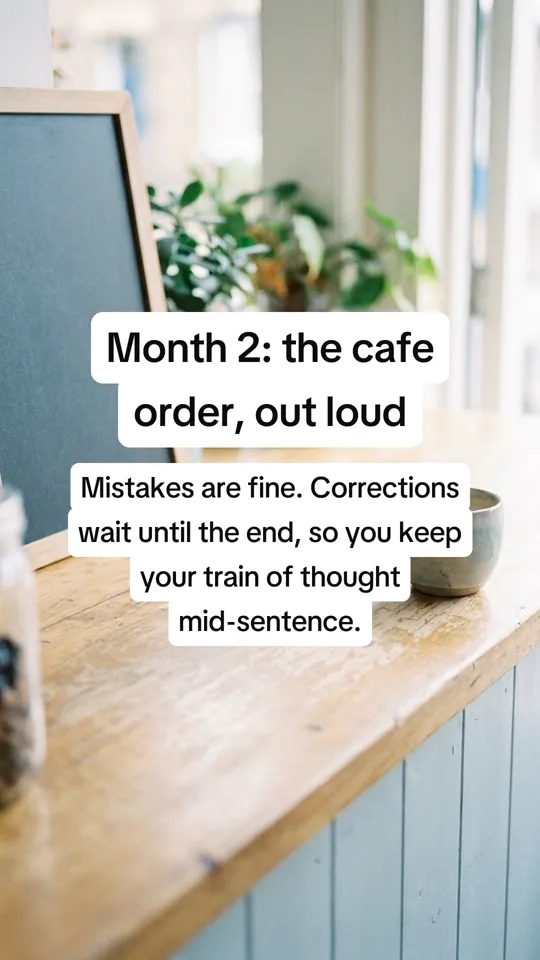 4
4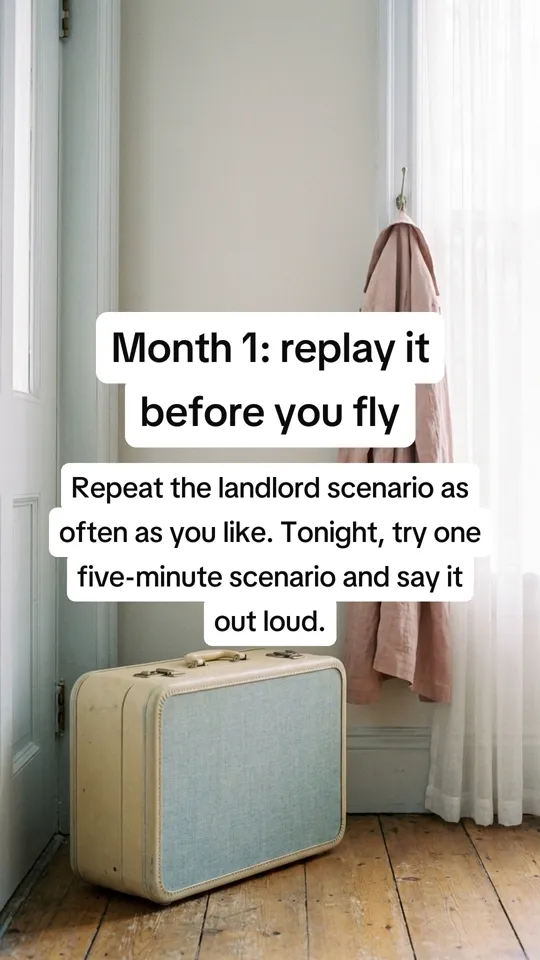 5
5
 1
1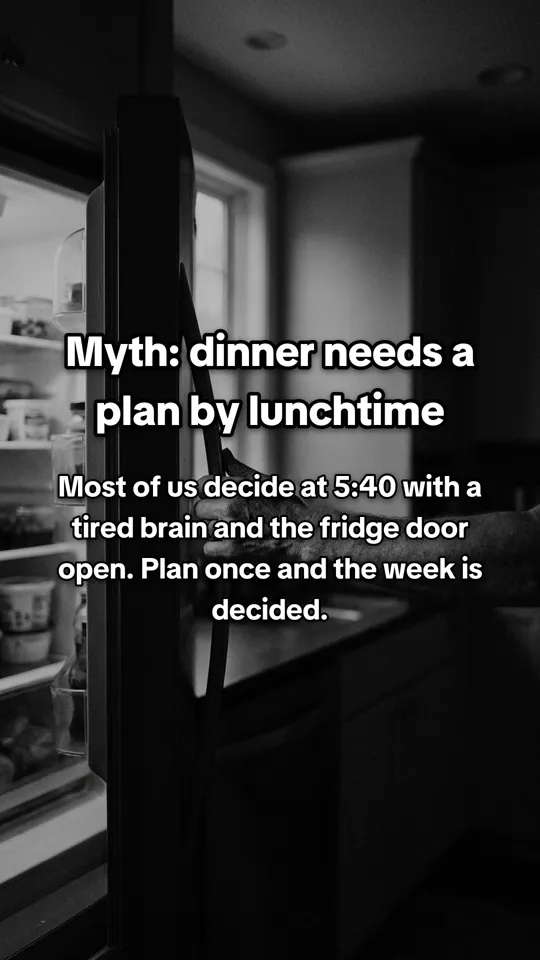 2
2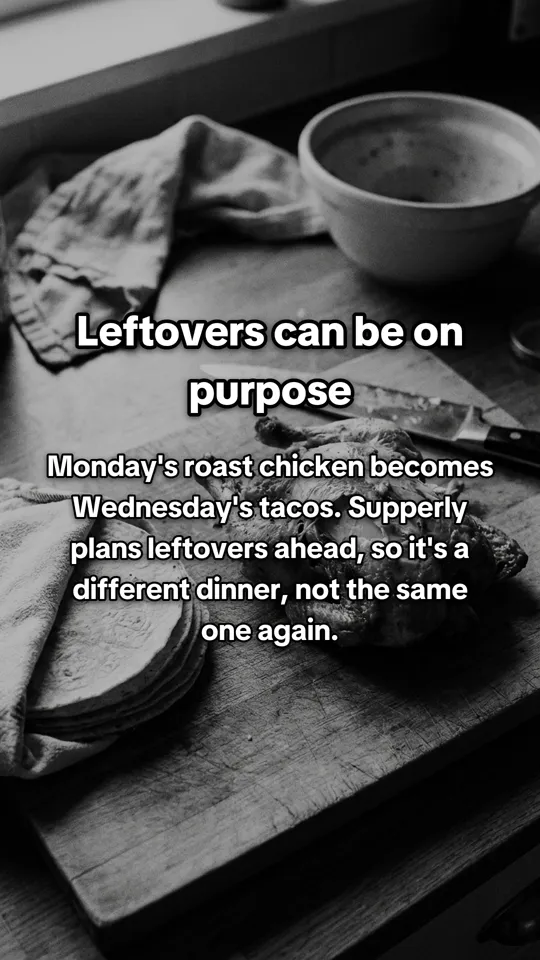 3
3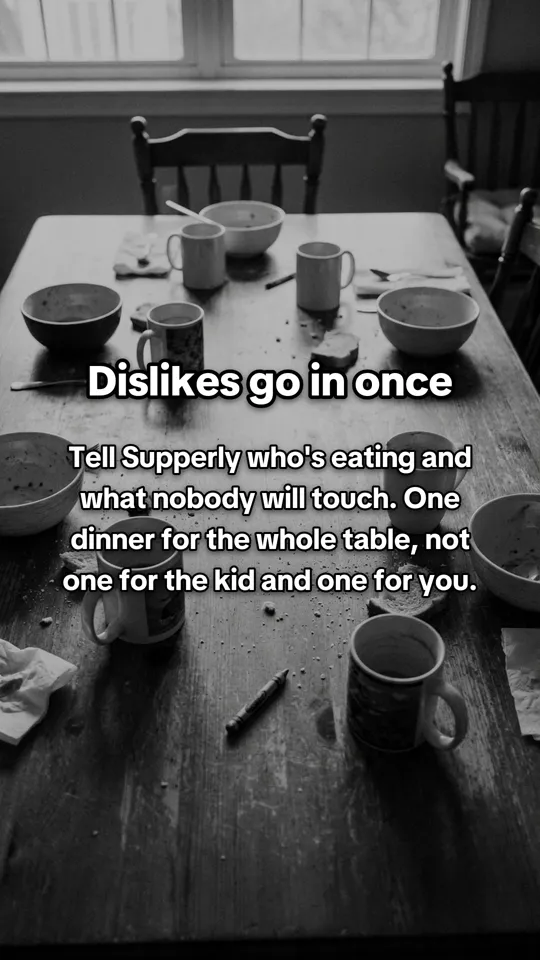 4
4 5
5
 1
1 2
2 3
3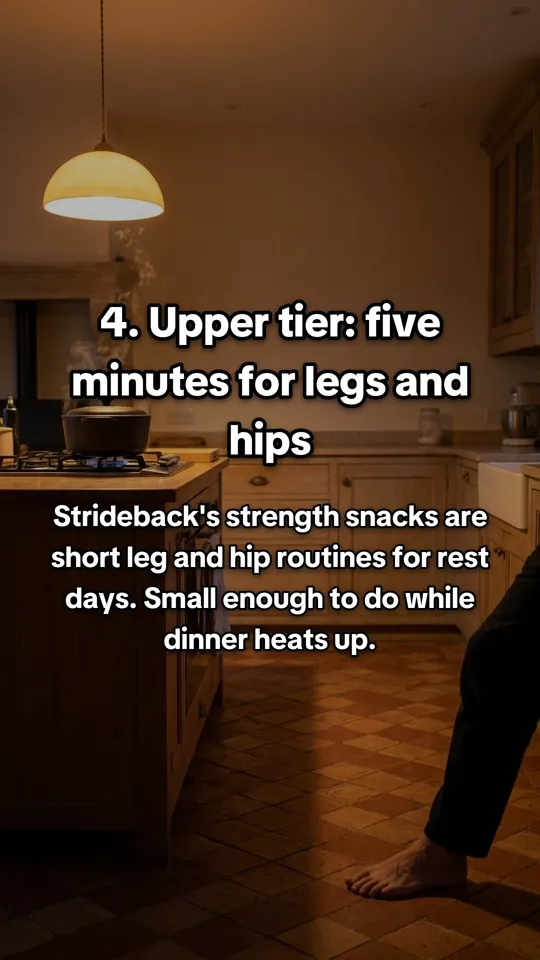 4
4 5
5
 1
1 2
2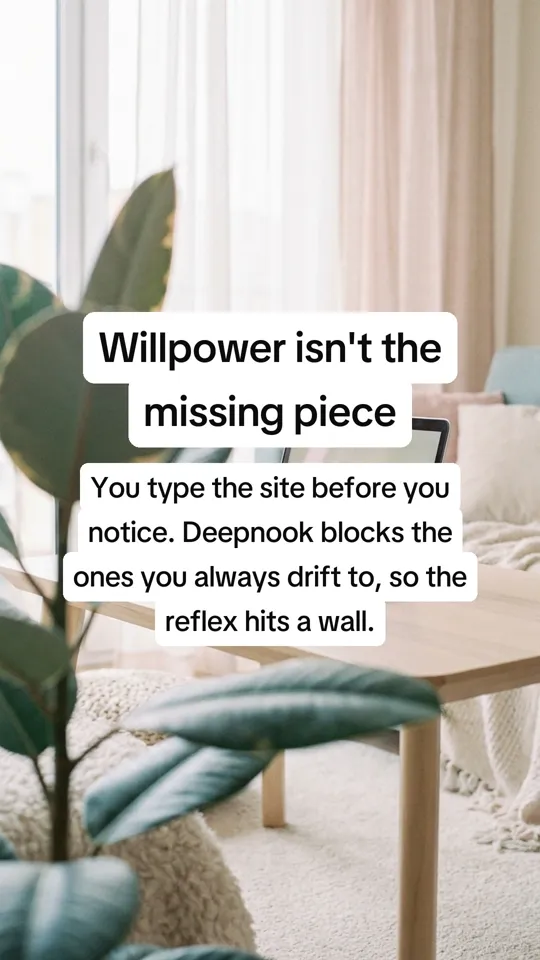 3
3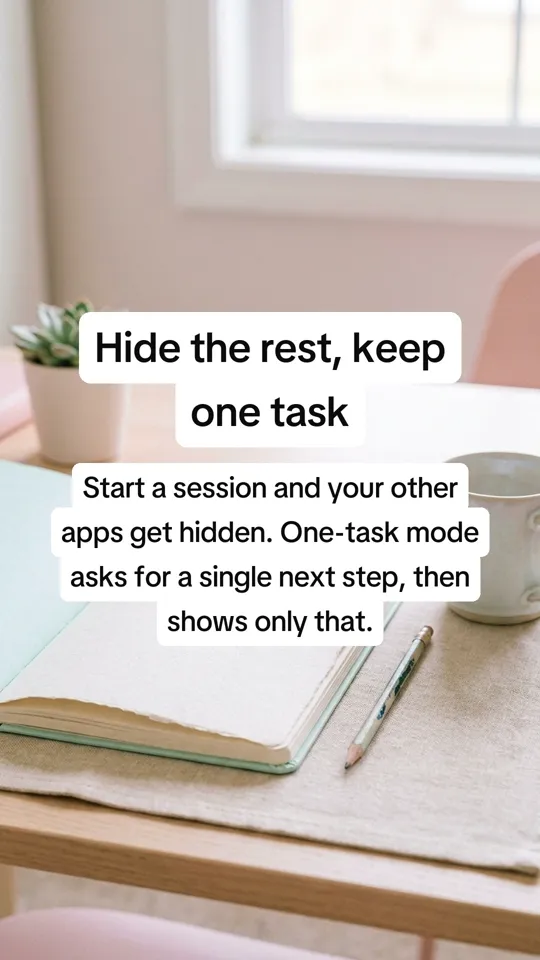 4
4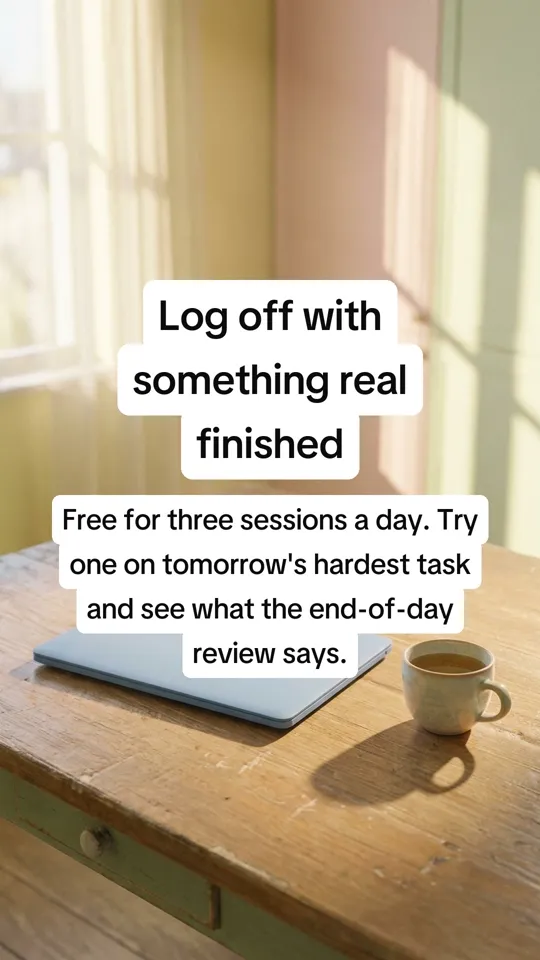 5
5
Why slideshows earn their place
A TikTok slideshow, or photo carousel, is a swipeable post of a few images. People stop to swipe, and the useful ones get saved. They're also cheap to make, which is why so many brands post them.
The hard part isn't the slides. It's writing five that hold together: a first slide worth swiping past, and a last slide that pays it off.
What Feedrick writes
Each carousel tells one story or teaches one thing. Here are first slides Feedrick wrote for sample apps:
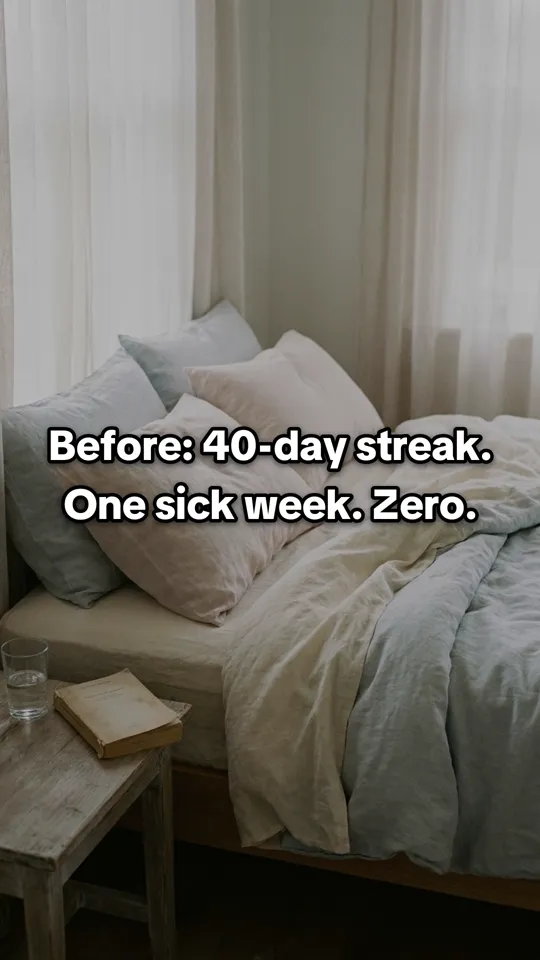
- Before and after: “Before: 40-day streak. One sick week. Zero.”
- Myth and fact: “Myth: you wasted the afternoon on one big thing.”
- A ranking: “Ranking my rest days from useless to useful.”
- This or that: “Rich for ten days vs. steady all quarter.”
Every one starts from a line on the app's own website. You can swipe through the real ones further down this page.
What it costs
A carousel uses 1 credit. The free plan gives you 12 credits to start, then 5 a month. Starter is $29 a month for 100 credits and Growth is $69 a month for 280.
Prefer to make them by hand? Our guide to TikTok slideshows covers the formats that work and how to build one.
How it works
One link in. A week of posts out.
- 1
Paste your website.
Feedrick reads it like a new hire would: what you sell, who it's for and what they're tired of. It takes about a minute.
- 2
Keep the good ones.
Fresh posts land in your review queue in minutes. Keep what sounds like you, skip the rest, and the next batch learns from it.
- 3
They post themselves.
Kept posts fill your calendar at good times and publish to the accounts you connected. Nothing goes out that you didn't keep.
Pricing
Start free. Pay as you post more.
Free
$0 / month
12 credits to start, then 5 a month
See what it makes for your brand.
Starter
$29 / month
100 credits a month
One brand, posting a few times a week.
Growth
$69 / month
280 credits a month
A few brands, showing up everywhere.
A meme or carousel uses 1 credit and a video uses 2. Paying yearly takes 30% off. See full pricing
Questions
Good to know.
How do I make a TikTok slideshow with AI?
Paste your website into Feedrick and ask for carousels. It writes and designs five-slide slideshows about your product. Keep the ones you like and they post to TikTok for you.
How many slides are in each slideshow?
Five. The first hooks, the middle three tell the story or teach the point, and the last pays it off.
Can Feedrick post slideshows to TikTok automatically?
Yes. Connect your TikTok account and every slideshow you keep is scheduled at a good time and published for you.
Is there a free TikTok slideshow maker?
Feedrick's free plan gives you 12 credits to start, then 5 a month, and a carousel uses 1. Free posts carry a watermark.
Can I post the same carousels to Instagram?
Yes, on Starter and Growth, which publish to Instagram as well as TikTok.
Keep exploring
Start with your link.
Paste it, see your first posts in minutes and keep the ones you like. Free to start.
Free to start 12 credits on us