Paste a URL. Get videos about your product.
Feedrick turns a website URL into short videos for TikTok, Reels and Shorts: it reads your site, writes the scripts and films them with AI influencers, along with memes and carousels. Keep the ones you like and they post themselves.
Free to start Paid plans from $29 a month
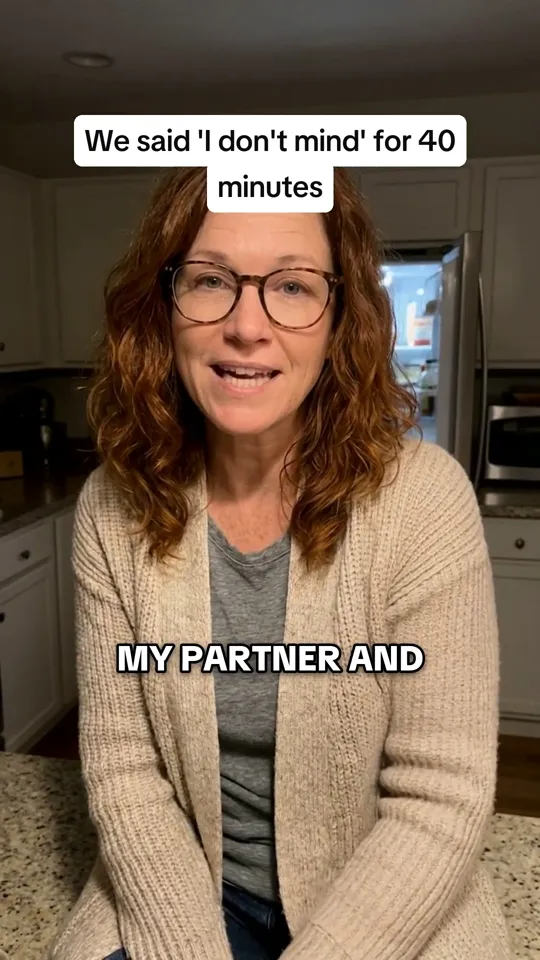
Example: Feedrick reads supperly.example, a sample meal-planning app's website, and turns it into a meme, a talking video and a silent story.
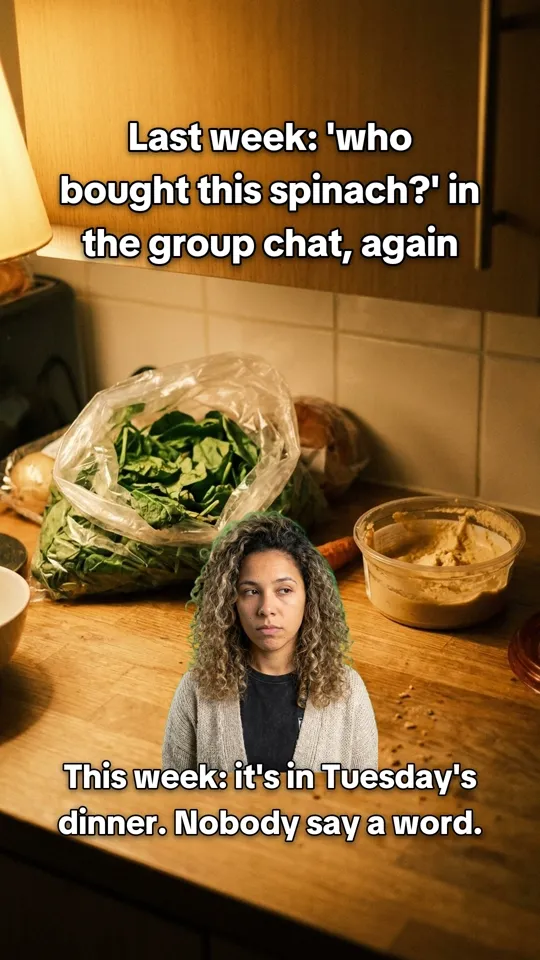
Meme Talking 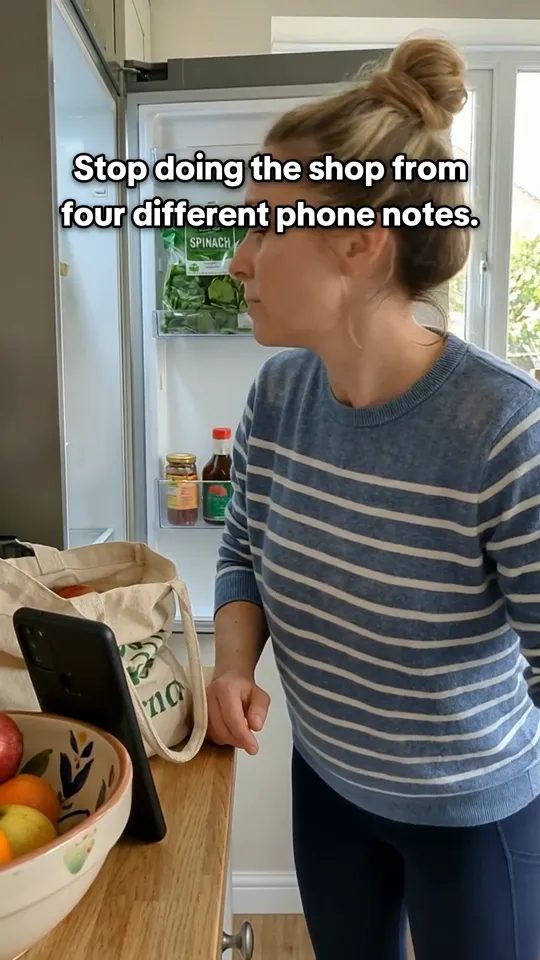
Silent story
- You give it
- Your website or App Store link
- It makes
- AI UGC videos, memes, carousels, silent stories and reaction + demo videos, each starring an AI influencer
- It posts to
- TikTok, Instagram, YouTube, Facebook, LinkedIn, X and Threads
- It costs
- Free to start, then from $29 a month
Read from the URL
Every video starts with a line from your site.
This is a sample meal planner's homepage and three posts Feedrick made from it. Tap or hover a highlighted line to see what it became.
Plans a week of dinners in five minutes, starting from what's already in your fridge.
1“My partner and I argue about what to eat every single night.”
2“I buy a bag of spinach every week and throw half of it away.”
3Smart shopping list
Everything you're missing, sorted by supermarket aisle.
to plan a whole week of dinners
1The nightly argument became Sarah's confession.
What Feedrick reads on your site
Feedrick reads your site the way a new hire would: what you sell, who it's for, what they're tired of and what you can prove. Every video starts from one of those lines.
Take a sample meal-planning app we set up. Its site said “My partner and I argue about what to eat every single night.” That line became a talking video where an AI influencer admits she and her partner said “I don't mind, you pick” for forty minutes. The line about throwing half a bag of spinach away every week became a meme.
New videos, not a narrated copy of your page
Most URL-to-video tools turn the page itself into a video: its text read aloud over its own images or stock clips. That suits a blog post. It doesn't look like anything else on TikTok or Reels.
Feedrick writes new posts in the shape that works there instead: one person, one moment your buyer knows, captions on screen. Your page is the brief, not the script.
What one link becomes
From a single URL, Feedrick can make five kinds of post, each starring an AI influencer:
- Silent stories (2 credits): a moment acted out, told in on-screen text.
- Talking videos (2 credits): one line to camera, with captions.
- Reaction + demo (2 credits): a reaction that cuts to your own 9:16 product demo.
- Carousels (1 credit): five slides that tell one story or teach one thing.
- Memes (1 credit): one picture and a punchline.
Ask for one format or a mix. The first posts are ready in minutes.
Which links work
Paste your website's address or your app's store link. Feedrick reads the site from there. Video links, social profiles and short links won't work, because they aren't your business's own site.
Want the manual route instead? Our guide on how to turn a URL into a video walks through doing it by hand.
How it works
One link in. A week of posts out.
- 1
Paste your website.
Feedrick reads it like a new hire would: what you sell, who it's for and what they're tired of. It takes about a minute.
- 2
Keep the good ones.
Fresh posts land in your review queue in minutes. Keep what sounds like you, skip the rest, and the next batch learns from it.
- 3
They post themselves.
Kept posts fill your calendar at good times and publish to the accounts you connected. Nothing goes out that you didn't keep.
Pricing
Start free. Pay as you post more.
Free
$0 / month
12 credits to start, then 5 a month
See what it makes for your brand.
Starter
$29 / month
100 credits a month
One brand, posting a few times a week.
Growth
$69 / month
280 credits a month
A few brands, showing up everywhere.
A meme or carousel uses 1 credit and a video uses 2. Paying yearly takes 30% off. See full pricing
Questions
Good to know.
How do I turn a URL into a video?
Paste the URL into Feedrick. It reads the site, writes short videos about your product and films them with AI influencers. Keep the ones you like and they post to your connected accounts.
Is there a free URL to video tool?
Feedrick's free plan gives you 12 credits to start, then 5 a month. A video uses 2 credits, so that's up to 6 videos to start. Free posts carry a watermark and publish to TikTok.
Can I use an App Store or Google Play link?
Yes. Paste your website or your app's store link. Video links, social media profiles and short links can't be read.
How long does it take?
Reading your site takes about a minute, and the first posts are ready in minutes after that.
Does it only make videos?
No. The same link also becomes memes and five-slide carousels, so your feed isn't one format on repeat.
Keep exploring
Start with your link.
Paste it, see your first posts in minutes and keep the ones you like. Free to start.
Free to start 12 credits on us